You’ve got a Dyson vacuum at home, but you’re not entirely sure which model you own. Maybe you need a replacement filter, you’re troubleshooting an issue, or you’re curious about warranty coverage. Whatever the reason, figuring out exactly what Dyson vacuum you have doesn’t have to be complicated. This guide walks you through the practical steps to identify your Dyson model quickly and confidently. Whether you’re looking at an upright, cordless, handheld, or specialty model, you’ll find clear, straightforward methods to determine exactly which Dyson is humming away in your hall closet.
Table of Contents
ToggleKey Takeaways
- Check the model name label on your Dyson vacuum’s motor head or dustbin first—it’s the quickest way to identify which Dyson model you own.
- Locate your serial number (usually starting with RB, HP, or SV) on the label or dustbin area, as it connects to Dyson’s database for warranty and specifications.
- Distinguish your machine type by recognizing upright models plug into outlets, cordless stick models use the V-series designation, and handheld models are compact cordless units.
- Use Dyson’s official website or customer service to confirm your exact model and access compatible replacement parts, filters, and maintenance guides.
- Knowing your specific Dyson model ensures you order compatible parts, verify warranty coverage, and follow correct maintenance schedules for your machine.
Check the Model Name on Your Dyson Vacuum
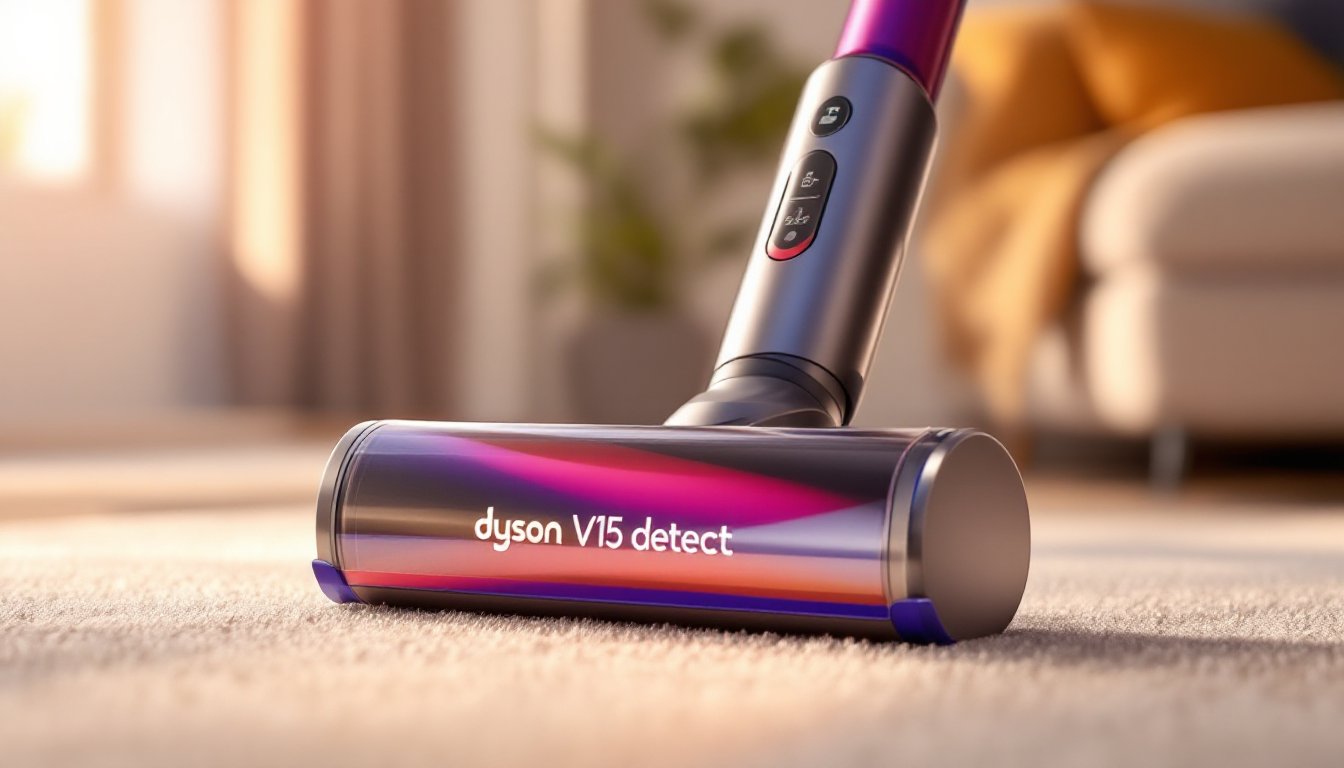
The easiest way to identify your Dyson is to look for the model name printed directly on the machine. Most Dyson vacuums have a label affixed to the main body, typically on the side of the motor head or near the dustbin. The model name usually appears in clear, bold text, something like “Dyson V15 Detect,” “Dyson Ball Animal 2,” or “Dyson V7 Motorhead.”
Dyson’s naming convention is straightforward: cordless stick models use the V-series designation (V7, V8, V10, V11, V15, and newer), while upright models often use the Ball or Cinetic line. Handheld models may be labeled separately. Look for the full model name rather than just a single letter or number: this distinction matters when ordering parts or accessing support.
If the label is faded, partially peeled, or hard to read, don’t worry. You’ve got other reliable methods to confirm your model. But start here first, it’s usually the quickest answer.
Locate the Serial Number and Label Information
Your Dyson’s serial number holds a wealth of identifying information. Find the label with your machine’s serial number (usually starting with letters like “RB,” “HP,” or “SV”), which is typically located on the motor head, canister, or the underside of the unit. This serial number connects your vacuum to Dyson’s database and can confirm the exact model, manufacturing date, and warranty status.
Write down the full serial number and any other details printed on the label, including the model number, which may appear as a separate code. This information is invaluable if you contact Dyson customer service. They can instantly pull up your machine’s specifications, confirm whether it’s still under warranty, and recommend the correct replacement parts for your specific unit.
If the label is missing or illegible, check inside the dustbin compartment or underneath where the canister connects to the motor head. Sometimes manufacturers place secondary labels in less obvious spots. Having this serial number handy also prevents you from ordering incompatible filters or attachments.
Identify Dyson Vacuum Features by Type
Upright vs. Cordless vs. Handheld Models
Different Dyson vacuum styles have distinct physical characteristics that make them easy to distinguish. Knowing which category your machine falls into narrows down the model considerably.
Upright Models (like the Ball series or Cinetic Big Ball) stand vertically and plug into an electrical outlet. They’re heavier and typically designed for whole-home cleaning. These machines feature a powered head with a long pole and handle. The dustbin usually sits at the top of the upright tower. If your vacuum requires a cord and stands on its own, you’ve got an upright.
Cordless Stick Models (the V-series) are the company’s most popular line. These are lightweight, rechargeable, and designed for quick cleanups. They look like a long stick with a motor head at the base and a battery pack near the handle. Dyson’s cordless models come in various generations, V7 through V15 represent progressive improvements in suction power and runtime. Check for a digital display on the handle (newer models have this feature) and the specific V-number designation.
Handheld Models are compact, cordless units powered by the same battery system as stick vacuums. They’re designed for stairs, upholstery, and spot cleaning. These typically have a shorter body and ergonomic handle angled for one-handed use. Some cordless stick models include a detachable handheld canister, which is a hybrid of both.
Consider how to evaluate Dyson vacuum buying guides to see model comparisons side by side. Once you’ve identified whether you have an upright, cordless, or handheld unit, pinpointing the exact model becomes much faster.
Use Dyson’s Official Resources to Confirm Your Model
When in doubt, Dyson’s official website and customer support team are your most reliable resources. Visit dyson.com and navigate to their support or product registration section. Many users find that entering their serial number into Dyson’s online portal instantly pulls up their exact model, warranty information, and available parts.
Dyson also maintains a searchable product database where you can browse by model name or series. If you’ve narrowed it down to “cordless stick,” you can filter by V-series generation to find your exact machine. The website displays specification sheets, manual PDFs, and compatible accessories for each model.
If you prefer direct assistance, Dyson’s customer service team can identify your vacuum over the phone or via chat if you provide your serial number. They’ll confirm the model, discuss warranty coverage, and help you order the right replacement parts. Keep your serial number handy for this interaction.
You can also consult home cleaning resources like Good Housekeeping’s product reviews to see visual comparisons of different Dyson models. These guides often feature photos and descriptions that help you match your machine to its official name.
Why Knowing Your Dyson Model Matters
Understanding which Dyson vacuum you have goes beyond simple curiosity. The correct model identification ensures you buy compatible replacement parts, filters, belts, batteries, and attachment heads vary significantly between models. A V15 filter won’t fit a V7, and a Ball upright’s dustbin doesn’t fit cordless machines. Ordering the wrong part wastes money and creates frustration.
Warranty coverage is another critical reason to know your model. Dyson’s warranty terms, coverage period, and eligible repairs depend on the specific machine and when it was manufactured. Your serial number ties directly to the purchase date, which determines whether you’re still covered for repairs or replacement. This distinction matters if something malfunctions unexpectedly.
Maintenance and troubleshooting also hinge on model identification. Different Dyson vacuums have different maintenance schedules, clogging points, and common issues. A cordless V-series requires battery care instructions that don’t apply to plugged-in uprights. Having the exact model lets you follow manufacturer-specific guidance for filter cleaning cycles, motor head maintenance, and storage recommendations.
Finally, if you ever decide to sell or donate your vacuum, potential buyers and organizations want to know the exact model. This information helps them determine whether the machine meets their needs and what price is fair. Real Simple’s home organization guides often discuss which appliances are worth keeping versus upgrading, making accurate model identification useful for these decisions.
Conclusion
Identifying your Dyson vacuum doesn’t require guesswork or frustration. Start with the model name printed on your machine, check the serial number label, and distinguish between upright, cordless, and handheld types. From there, Dyson’s official resources and customer service make confirmation straightforward. Once you know exactly which Dyson you own, you’re equipped to maintain it properly, order correct replacement parts, and make informed decisions about warranty and repairs. A few minutes spent identifying your model now saves time and money down the road.