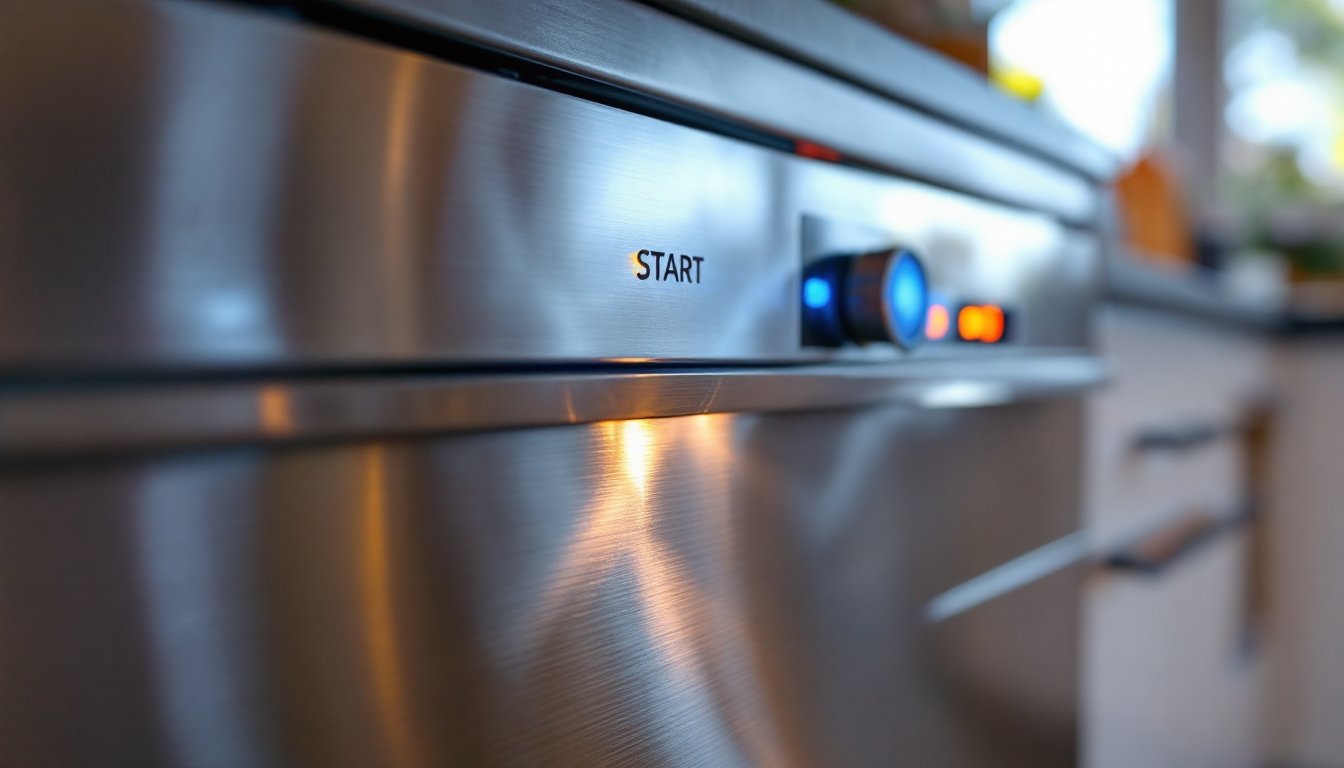
A Whirlpool dishwasher with flashing lights and a start button that won’t respond is frustrating, especially when you’ve got a sink full of dirty dishes waiting. The good news: many of these issues are fixable without calling a technician. Whether your dishwasher lights are flashing, the start button is blinking, or the unit refuses to begin a cycle, the problem often stems from simple settings, power glitches, or mechanical locks rather than a dead control board. This guide walks you through the most common causes and how to troubleshoot them yourself, saving you both time and repair costs.
Table of Contents
ToggleKey Takeaways
- Whirlpool dishwasher lights flashing and a non-responsive start button often stem from simple fixes like control lock activation, door latch misalignment, or power glitches rather than serious component failure.
- Disable the control lock by holding the key symbol button for 3–5 seconds—this single overlooked setting is responsible for many false ‘broken’ dishwasher calls.
- Inspect the door latch for debris or mineral buildup, listen for a firm click when closing, and verify the cabinet frame is level to ensure proper door sealing and dishwasher operation.
- Check your circuit breaker and perform a soft reset by holding the Power Control Button for 10–15 seconds to clear temporary electronic glitches caused by power interruptions or incomplete cycles.
- If troubleshooting steps fail, contact a professional technician with your model number ready; persistent flashing lights indicate internal failures like a defective water inlet valve or fried control board that require specialized diagnosis and repair.
- Repair costs typically range from $150 to $400 depending on the issue, making professional service worthwhile before replacement becomes necessary.
Understanding Why Your Dishwasher Lights Flash But Won’t Start
When your Whirlpool dishwasher’s lights flash or blink without the cycle starting, the control panel is telling you something’s wrong, you just need to decode the message. Flashing lights typically indicate a fault code or a protective feature preventing operation. Unlike an unresponsive unit, this blinking behavior is actually helpful: your dishwasher’s diagnostic system is working.
Common reasons include a hung or stuck cycle from the previous run, a door that isn’t fully latched, a tripped thermal protection, or control lock activation. Sometimes a power surge resets the control board in an incomplete state, leaving it unable to process a new start command. Other times, water detection sensors or float switches get stuck, triggering safety shutdowns. The key is determining whether the problem is electrical, mechanical, or software-based, and that’s where methodical troubleshooting saves money.
Check the Control Lock Feature First
The easiest culprit to overlook is the control lock. Whirlpool dishwashers include this feature to prevent accidental button presses during a cycle or when children are nearby. If activated, it locks out the start button and often triggers flashing lights or a blinking start button.
Hold down the Lock button (usually labeled with a key symbol) for 3–5 seconds until you hear a beep or see the lights change. On some models, you’ll hold it for a shorter duration: consult your manual if the standard hold doesn’t work. If the control lock was the issue, the lights should stop flashing immediately and the start button will respond. It sounds almost too simple, but this single oversight accounts for a surprising number of “broken” dishwasher service calls.
Inspect the Door Latch and Alignment
A misaligned or faulty door latch is the second most common reason a Whirlpool dishwasher won’t start. The unit has a safety switch that prevents operation unless the door is fully closed and latched. If the latch isn’t engaging properly, the control board detects an open-door condition and refuses to begin the cycle.
Open the dishwasher door and visually inspect the latch mechanism on the inside edge of the door frame, you’ll see a small hook or clasp. Make sure it’s clean and free of food debris or mineral deposits. Close the door slowly and listen for a distinct click. You should feel the door seat firmly into the frame. If the latch feels loose, sticks, or doesn’t click, the mechanical latch itself may be worn out and need replacement. Check whether the door frame is level using a straightedge across the top. If the cabinet has shifted or settled over time, the door may sit crooked, preventing a flush seal. Minor frame misalignment can sometimes be corrected by adjusting the hinge screws, though this usually requires a technician for proper calibration.
Test Your Power Supply and Circuit Breaker
Before assuming the dishwasher’s electronics are faulty, verify the unit is receiving stable power. Start by checking the dedicated circuit breaker for your dishwasher in the home’s electrical panel. If the breaker is tripped (switched to the off position), flip it back to on. A tripped breaker often indicates a power surge, a short in the appliance, or an overloaded circuit.
If the breaker trips again immediately after reset, do not keep flipping it back on, this signals a potential electrical fault inside the dishwasher itself. Call a licensed electrician or Whirlpool technician. For units that share a circuit with other appliances, unplug competing devices (toaster oven, microwave) to reduce load. Test the dishwasher after each step. A qualified repair professional using specialized diagnostic equipment will be needed if the power supply checks out but the dishwasher still won’t respond. Attempting to repair electrical issues yourself risks shock and fire hazard.
Reset Your Dishwasher to Factory Settings
A soft reset clears temporary glitches in the control board’s memory without erasing your saved cycle preferences. This is often the fix when your dishwasher lights are flashing after a power interruption, voltage spike, or incomplete cycle.
Soft Reset Method
Locate the Power Control Button or Delay Start/Cancel Button on your dishwasher’s control panel (your manual will specify which). Press and hold it for 10–15 seconds. Some Whirlpool models require you to hold it once, release, and then hold it again for an additional 10 seconds. You may hear a beep or see the display blink as the system reboots. Wait 30 seconds after the reset completes before attempting to start a new cycle.
If your dishwasher has no visible control panel (older or built-in models), try this alternative: open the door, flip off the circuit breaker for the unit for 10 minutes, then flip it back on. This hard reset can also clear stuck cycles. Do not leave the dishwasher unpowered for longer than necessary, as extended power loss can degrade certain electronic components over time. After resetting, run a short wash cycle (like a rinse-only program) to test responsiveness before running a full load.
When to Call a Professional Technician
If you’ve worked through all the troubleshooting steps and your Whirlpool dishwasher still won’t start or the lights keep flashing, it’s time to bring in a professional. Persistent issues point to internal component failures, like a defective water inlet valve, a fried control board, a faulty door latch motor, or a burned-out pump, that require specialized tools and expertise to diagnose and replace.
Contacts for help include Whirlpool’s dedicated customer service line (find it in your manual or on their website), a certified appliance repair technician in your area, or resources like HomeAdvisor for contractor matching and repair quotes. Some issues, such as a hung control board or a failed thermal fuse, are beyond DIY scope and can worsen if you attempt disassembly without training. A technician can run diagnostic tests, pull error codes from the control board’s memory, and identify whether repair costs are justified or if replacement makes more financial sense. Before calling, have your model number ready (found on a sticker inside the door frame or on the side of the tub): this speeds up troubleshooting. Repair costs typically range from $150 to $400 for parts and labor, depending on the issue and your region, far less than a new unit but worth confirming before authorizing work.
For background on why dishwashers fail to start, appliance repair guides explain hung cycles, power faults, and control panel issues in detail. If you’re interested in preventive maintenance, repair and maintenance tutorials cover cleaning filters, descaling spray arms, and inspecting seals to extend appliance life.